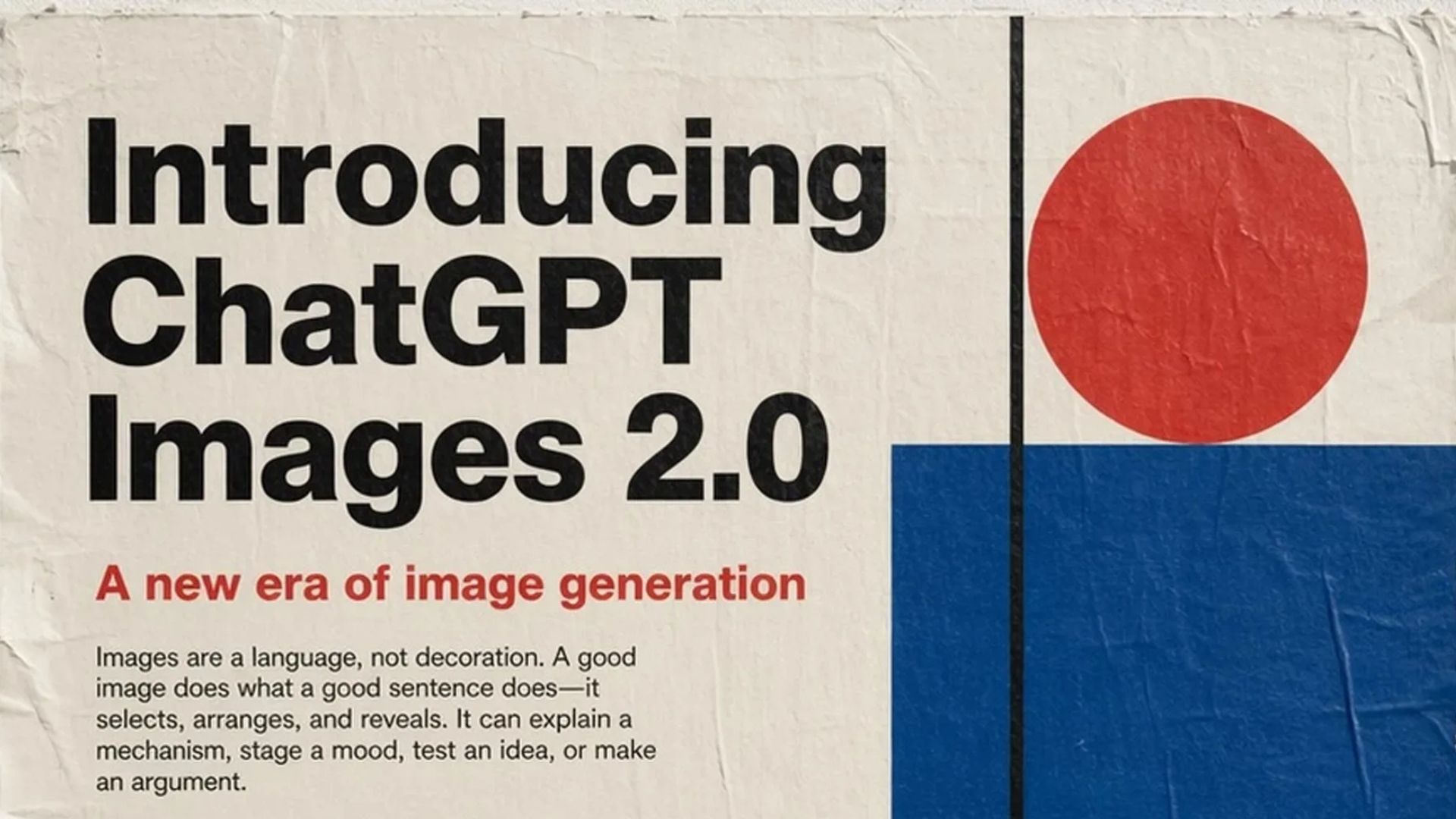
Most people will use ChatGPT Images 2.0 to make a cool picture. Then they’ll move on.
That’s the wrong approach — and it’s exactly why the gap between average and advanced users is widening fast.
The real shift isn’t about generating prettier images. It’s about using ChatGPT Images 2.0 as a full visual production system — storyboards, consistent characters, brand mockups, teaching visuals, and reusable assets that actually serve a purpose. When you treat it like a production pipeline rather than a novelty tool, the output quality changes completely.
Stop Making One-Off Images — Think in Visual Systems
The biggest mistake beginners make with ChatGPT image generation is treating each prompt as a standalone request. One image, one prompt, repeat.
Professional-grade output requires a different mindset. Think in assets, not images. A character sheet feeds your storyboard. A storyboard feeds your campaign. A product mockup anchors your ad creative. Everything connects — and that system-level thinking is what separates forgettable AI visuals from genuinely useful ChatGPT visual content creation.
Visual Storytelling With ChatGPT Images 2.0
Instead of asking for one random image, ask for a full scene sequence — comic panels, social carousels, storyboard pages, or shot-by-shot video concepts. Each image becomes a frame in a larger story, and the output feels directed rather than accidental.
Storyboards
The key to a great storyboard is giving Images 2.0 specific narrative beats. Ask for a 6-panel page with one clear action per panel. Here’s a prompt structure that consistently delivers:
Goal: Create 6-panel storyboard page
Story beats:
  Panel 1: [opening shot – wide establishing]
  Panel 2: [character reaction – medium shot]
  Panel 3: [action or discovery – dynamic angle]
  Panel 4: [emotional close-up]
  Panel 5: [turning point – dramatic moment]
  Panel 6: [resolution – final reveal]
Character continuity: Same face, hair, outfit, proportions throughout
Style: Clean anime storyboard with professional panel layout
Constraints: One clear action per panel, minimal dialogue, no background clutter
The difference between a generic storyboard and a compelling one is the specificity of the beats. Give Images 2.0 direction, and it will follow it.
Character Sheets and Continuity
Character consistency is the part most beginners miss — and it’s the single biggest reason AI-generated visual sequences fall apart.
Before creating any scene, build a master character sheet first. Ask for front view, side view, expression variations, key poses, outfit details, and clean labels. Then use fixed character anchors in every subsequent prompt: name, face, hair, outfit, colors, body type, and any distinctive marks. Change the scene — never the identity. That consistency is what makes a visual series feel cohesive rather than randomly generated.
Product Mockups That Look Like Real Brand Assets
The difference between a generic product image and a professional mockup comes down to one thing: specificity.
Don’t say “make a product photo.” Describe every element that matters:
- The exact product and its defining features
- Camera angle (overhead, 45-degree, straight-on)
- Lighting style (soft diffused, dramatic side light, studio clean)
- Surface and background (marble, white seamless, lifestyle setting)
- Mood and color temperature (warm, cool, editorial, luxury)
- What must stay absolutely clean and unmodified
This level of instruction is how you get something that looks like it came out of a real brand photoshoot. Used correctly, ChatGPT Images 2.0 can produce mockup-quality visuals that are genuinely usable for social content, pitch decks, and marketing materials.
Educational Visuals That Actually Teach
This is one of the most underrated use cases in the entire Images 2.0 toolkit.
ChatGPT Images 2.0 is genuinely powerful for building process diagrams, step-by-step explainers, classroom visuals, and concept breakdowns that make complex ideas easier to grasp at a glance. The key is to approach it like a designer would: lead with the learning objective, specify the layout and hierarchy, and tell it exactly what labels need to appear. Think about what used to take hours in Canva or Illustrator — a clearly labeled funnel diagram, a comparison table, a numbered how-to visual. Images 2.0 produces these in seconds when you give it proper structure. For educators, course creators, and content marketers, this is one of the highest-value ChatGPT AI image prompts strategies available right now.
The Universal Prompt Structure
Almost every great ChatGPT Images 2.0 output follows the same architecture. Here it is:
Goal: [what you want to achieve]
Deliverable: [poster / storyboard / mockup / character sheet / infographic]
Subject: [the main focus]
Style: [realistic / anime / editorial / clean design]
Composition: [layout, framing, visual hierarchy]
Text: "[exact words to appear, in quotes]"
Constraints: [what must stay fixed — colors, proportions, layout]
This structure works because it separates intent from execution. You’re not just describing an image — you’re briefing a visual director. Leaving any field vague is where quality drops. Apply this framework to every use case in this guide and your ChatGPT visual content creation output will improve immediately.
Editing Protocol: Refine Without Starting Over
When an image isn’t quite right, the instinct is to rewrite the whole prompt from scratch. That wastes time and breaks consistency. Edit surgically instead.
What not to say: “Make it better.”
What to say: “Change only the background to a luxury studio setting. Keep the product, angle, lighting, colors, and all text exactly the same.”
Specifying the change while locking everything else is one of the most important ChatGPT image generation habits for iterative creative work. It preserves your best elements and fixes the one thing that isn’t working.
Common Fixes: Quick Troubleshooting
Character keeps changing? Build a master character sheet before starting any sequence, and repeat the same anchor details every time.
Is text rendering wrong? Keep it shorter and always put it in quotation marks within the prompt. Simpler text renders more accurately.
Image looks generic? Add specific lighting direction, material texture, camera angle, and compositional layout. Specificity is the antidote to the generic.
Output feels cluttered? Explicitly ask for more white space, stronger visual hierarchy, and cleaner separation between elements.
Pro Tips to Go Further
Once you’re comfortable with the core workflow, these habits will sharpen every output:
- Chain your assets. Generate the character sheet first, use it to brief the storyboard, then pull the best panel for your product mockup. Each asset builds on the last.
- Save your best prompts. When a prompt produces a great result, store it as a template. Swap the subject and constraints — keep the structure. Reusable prompts are faster and more consistent than starting fresh every time.
- Name your characters and products. Giving Images 2.0 a proper noun to anchor on — “Maya in her red jacket” rather than “a woman in a red jacket” — dramatically improves continuity across a multi-image series.
- Use constraints as your quality filter. The
Constraintsfield in the universal prompt is where you lock your brand standards. List every element that must stay fixed — fonts, colors, proportions, whitespace — and Images 2.0 will protect them even as it generates new variations.
Frequently Asked Questions
What is ChatGPT Images 2.0?
ChatGPT Images 2.0 is OpenAI’s advanced image generation system built into ChatGPT. It creates, edits, and iterates on images through conversational prompts, with significantly improved quality, text rendering, and instruction-following compared to earlier versions.
How do I keep characters consistent across multiple images?
Create a master character sheet first, then repeat fixed character anchor details — name, face, hair, outfit, colors — in every subsequent prompt. Consistency is a prompting habit, not an automatic feature.
What’s the best use case for Images 2.0 in content marketing?
Product mockups and social carousel visuals deliver the highest ROI. Both can be produced at a quality level that’s genuinely usable for real campaigns. Educational explainers are a close second for knowledge creators.
How do I get text to render correctly?
Keep text short and always place it in quotation marks inside the prompt. Avoid special characters and long phrases. The simpler the instruction, the more reliably it renders.
Conclusion
ChatGPT Images 2.0 isn’t just a better image generator. Used correctly, it’s a complete visual production system — one that can produce storyboards, brand mockups, educational visuals, and consistent character sequences faster than any traditional workflow.
The creators who pull ahead won’t be the ones who generated the most images. They’ll be the ones who built a system — a prompt library, a character reference, a production workflow — and used Images 2.0 as the engine behind it.
Start with the universal prompt structure. Build your first character sheet. Run your first storyboard. The gap between one-off images and a full visual content system is smaller than it looks — and now you have the roadmap to close it.