
“I built a fully functional web app in 72 hours — and I’ve never written a line of code in my life.” That sounds impossible, right? That’s exactly what happened when I discovered Vibe Coding, one of the fastest-growing AI trends today. In fact, searches for vibe coding exploded by 6,700% in 2025, turning it into the most talked-about shift in how beginners build software without technical skills.
In this article, I’ll share my 30-day journey with Vibe Coding — the tools I used, mistakes I made, lessons learned, and the real results I achieved as a complete beginner. By the end of this post, you’ll know exactly how to start vibe coding — even if you failed 9th-grade computer science.
What Is Vibe Coding? (And Why Everyone Is Talking About It in 2026)
Vibe coding is a way to build software using AI by simply describing what you want in natural language. There’s no need to learn coding syntax, frameworks, or debugging — you explain your idea, and AI generates the code for you.
The term Vibe Coding was coined by AI researcher Andrej Karpathy in early 2025 and became so influential that Collins Dictionary named it the 2025 Word of the Year, highlighting its rapid impact on modern software development.
The Core Idea Behind Vibe Coding
The concept is simple:
- You are the director — you describe the vision.
- The AI is the developer — it builds the solution.
Instead of writing code manually, you guide the process through prompts and refine the results.
A Simple Way to Understand It
Think of vibe coding like working with an architect. You describe the house you want, and they create the blueprint. You just review and approve — no technical work required. That’s why vibe coding for beginners makes software creation accessible to anyone.
Why It’s Exploding in 2026
- Powerful AI coding assistants
- Rise of no-code development
- Faster product creation
- Lower entry barriers for non-programmers
Vibe coding is transforming how people build apps and websites — making technology easier, faster, and more beginner-friendly than ever.
Why I Decided to Try Vibe Coding for Beginners (My 30-Day Challenge)
Before this experiment, I had zero programming experience. As a digital marketer and content creator, I often needed custom tools for my website but didn’t want to depend on developers or expensive software. That’s what motivated me to explore vibe coding for beginners.
My Motivation
I wanted to test whether AI could help me build a simple tool for my website — faster and at a lower cost — without writing any code myself.
The 30-Day Challenge Rules
To keep things realistic, I set clear rules:
- No manual coding
- Only AI-powered tools
- 30 consecutive days of learning and building
What I Planned to Build
My goal was to create practical tools like:
- A simple business directory
- A lead generation widget
- A basic content SEO tool
I wanted to see if vibe coding could help a complete beginner turn ideas into real products using AI alone.
How to Start Vibe Coding — Everything You Need Before Day 1
If you’re wondering how to start vibe coding, the process is surprisingly simple. You don’t need technical knowledge — just the right tools, a clear idea, and the ability to describe what you want.
Here’s exactly how beginners can get started.
Step 1 — Choose Your AI Vibe Coding Platform
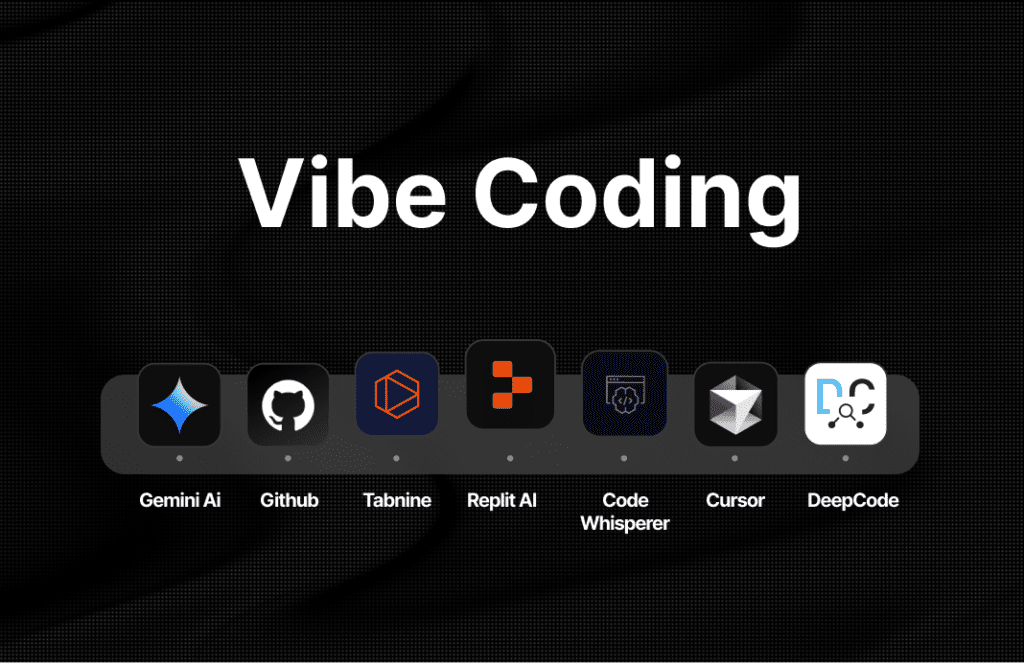
First, pick an AI platform that can generate and deploy code from natural language prompts. Some popular options include:
- Cursor — AI-powered coding editor with advanced control
- Replit — browser-based development with AI assistance
- Bolt.new — beginner-friendly with no setup required
- Windsurf — fast AI development environment
- Lovable — simple interface designed for non-technical users
For absolute beginners, Bolt.new or Lovable are the easiest choices because they require no installation or technical setup.
Step 2 — Define Your Project Idea Clearly
Success in vibe coding depends on clear instructions. Instead of explaining technical steps, describe the final result you want.
Tips for writing effective prompts:
- Be specific about features and layout
- Describe the outcome, not the process
- Keep instructions simple and direct
Example prompt:
“Build a one-page web app that collects business names and displays them in a searchable card grid.”
Clear prompts help the AI generate more accurate results and reduce revisions.
Step 3 — Set Up a Free Account and Start Prompting
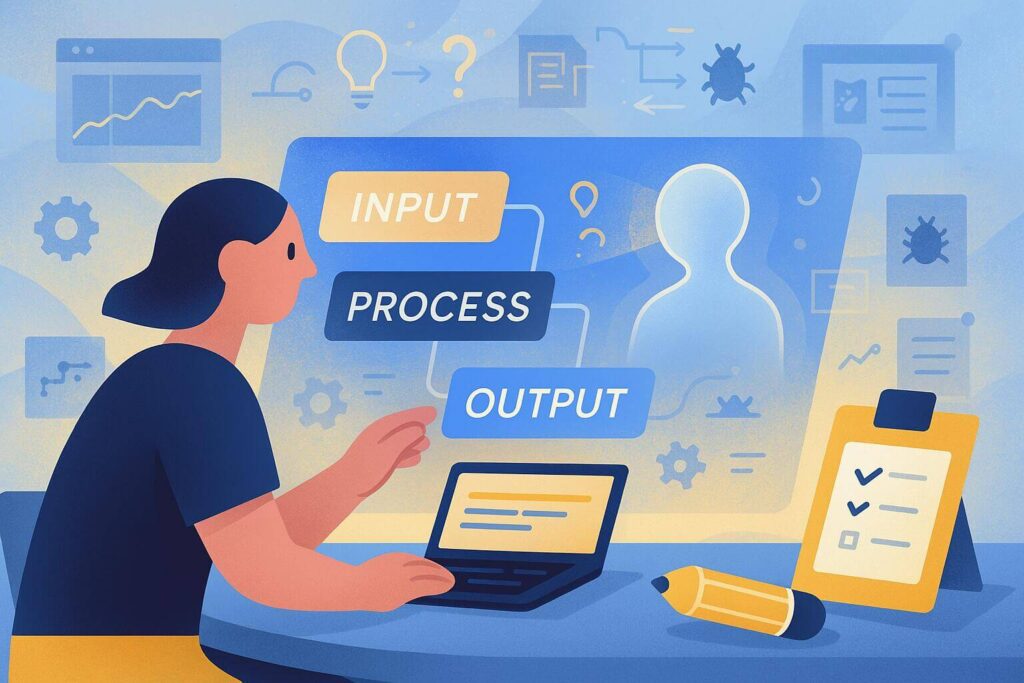
Create a free account on your chosen platform and begin building immediately. Most tools follow a simple workflow:
Prompt → Preview → Refine → Repeat
You describe your idea, review the AI-generated output, make improvements, and iterate until the result meets your needs.
Step 4 — Deploy Your App
Once your project is ready, you can publish it online using free deployment platforms like:
These services allow you to launch your app in minutes — without server management or technical knowledge.
By following these steps, anyone can start vibe coding and turn ideas into real applications, even with no programming background.
The Best Vibe Coding Tools I Tested in 2026
Choosing the right platform can dramatically impact your results, especially if you’re new to AI development. During my 30-day experiment, I tested several platforms to identify the best vibe coding tools based on ease of use, speed, and output quality.
Here’s a quick comparison.
Vibe Coding Tools Comparison
| Tool | Best For | Free Plan | Skill Level |
|---|---|---|---|
| Bolt.new | Quick prototyping | ✅ Yes | Complete beginner |
| Cursor | Full app development | ✅ Yes (limited) | Beginner–Intermediate |
| Lovable | UI-heavy web apps | ✅ Yes | Complete beginner |
| Replit | Browser-based coding | ✅ Yes | Beginner |
| Windsurf | Complex multi-file projects | ✅ Yes (limited) | Intermediate |
Bolt.new — Best for Fast Results
Bolt.new is designed for speed and simplicity. You describe what you want, and it generates a working app almost instantly without any setup. I used this tool the most during my challenge because it produced usable results in minutes.
Cursor — Best for Advanced Control
Cursor works like an AI-powered coding editor that helps generate, edit, and debug full applications. It offers more control than beginner tools but requires basic technical understanding.
Lovable — Best for Design-Focused Apps
Lovable specializes in creating clean interfaces and UI-heavy web apps from simple prompts. It’s ideal for beginners who want visually polished results without touching code.
Replit — Best Browser-Based Platform
Replit runs entirely in your browser and combines coding, hosting, and AI assistance in one place. It’s beginner-friendly but also flexible enough for more advanced projects.
Windsurf — Best for Complex Projects
Windsurf handles larger, multi-file applications and structured development workflows. It’s powerful but better suited for users with some technical familiarity.
Recommendation: For vibe coding for beginners, Bolt.new is the fastest way to get your first result in under an hour.
My 30-Day Vibe Coding Journey — Week by Week Results
To understand whether Vibe Coding really works, I documented my entire 30-day experiment. Here’s what actually happened — including failures, breakthroughs, and real results.
Week 1 — Learning the Basics (And My First Big Failure)
The first week was frustrating. My early prompts were vague, which led to broken layouts and unusable code. I quickly realized that AI only performs well when instructions are extremely clear.
The turning point came when I started describing the exact outcome instead of general ideas. Within hours, everything clicked — and I built my first working landing page in just 4 hours. That small win proved vibe coding for beginners was possible.
Week 2 — Building Something Real
By week two, I shifted from testing features to building an actual project. That’s when new challenges appeared:
- AI hallucinations generating incorrect logic
- Broken UI elements
- Conflicting code suggestions
Instead of writing code manually, I solved problems by refining prompts, asking the AI to fix errors, and iterating repeatedly. The process was slower but completely manageable without programming knowledge.
Week 3 — Getting Serious With SEO and Functionality
In week three, I improved the project’s functionality and usability. I added:
- Search filters
- Contact forms
- Mobile responsiveness
This phase revealed the limitations of vibe coding — especially with complex logic and database handling. To bridge the gap, I relied on more structured prompts and used platforms like Bolt.new and Replit to refine outputs.
Week 4 — Launching and Getting First Traffic
The final week focused on deployment and visibility. I launched the app live, submitted it to Google Search Console, and optimized it for search.
Within days, the project started receiving its first organic visitors — similar to documented cases shared by creators online who achieved early traffic using AI-built tools. Seeing real users interact with something I built without coding was the biggest validation of the entire experiment.

What Vibe Coding Can and Cannot Do (Honest Review)
After 30 days of testing, I realized that Vibe Coding is powerful — but it’s not a magic solution for everything. Understanding both its strengths and limitations is essential before relying on it for real projects.
Here’s my honest review based on hands-on experience.
What Vibe Coding Is Great For
Rapid MVPs and prototypes
Vibe coding allows you to turn ideas into working products extremely fast. It’s perfect for validating concepts before investing time or money.
Simple tools and websites
You can easily build landing pages, calculators, directories, and basic web apps without technical expertise.
Non-technical founders testing ideas
Entrepreneurs can experiment with product ideas and workflows before hiring professional developers.
Marketers and content creators
For people who need functional tools quickly — like lead generators or SEO widgets — vibe coding offers speed and flexibility.
Where Vibe Coding Falls Short
Complex backend logic
Handling advanced database architecture or complex workflows can be challenging without technical knowledge.
Scalable production applications
Apps designed for heavy traffic or large-scale usage still require traditional development expertise.
Advanced security or payment systems
Projects involving sensitive data, authentication, or financial transactions demand professional oversight.
Long-term maintenance
Without developer involvement, maintaining and updating complex projects can become difficult over time.
Overall, vibe coding is excellent for beginners, experimentation, and rapid development — but it works best when used within its practical limits.
Vibe Coding for Beginners — 5 Tips I Wish I Knew Before Day 1
If you’re exploring vibe coding for beginners, a few simple strategies can save you hours of frustration. These are the lessons I learned the hard way during my 30-day challenge.
1. Start With a Micro-Project
Don’t try to build a full SaaS product on day one. Begin with a small project like a landing page or simple tool. Early wins build confidence and help you understand how AI responds to prompts.
2. Master Your Prompting Style
Your results depend on how clearly you communicate. Be descriptive about the outcome you want rather than technical about the process. Think like a product manager explaining features to a developer.
3. Use One Tool at a Time
Switching between multiple platforms slows learning. Choose one tool and commit to it for at least two weeks before exploring alternatives.
4. Save Every Working Version
AI-generated code can sometimes break during updates. Always save or back up working versions so you can revert if something goes wrong.
5. Combine Vibe Coding With No-Code Tools
AI struggles with certain logical workflows. Tools like Airtable, Zapier, and Notion can help handle data, automation, and structure — filling gaps where AI alone falls short.
Is Vibe Coding the Future of Software Development?
The rise of Vibe Coding signals a major shift in how software is created. In 2025, nearly a quarter of Y Combinator startups used vibe coding and AI tools to build early prototypes — showing how quickly this approach is gaining adoption.
AI Is Making Software Creation Accessible
Vibe coding is democratizing development by allowing non-coders to build apps and test ideas without technical training. This accessibility has fueled a growing community, including Reddit’s r/vibecoding, where thousands share tools and results.
A Powerful Tool — Not a Replacement
Vibe coding won’t replace professional developers. Complex systems and large-scale applications still require expert engineering. Instead, it acts as a powerful productivity tool that speeds up development and empowers beginners.
In 2026, the question isn’t whether you should try vibe coding — it’s why you haven’t started yet.
Conclusion
After 30 days, I learned that Vibe Coding is more than a trend. Even with zero programming experience, I built functional tools using AI alone — proving that vibe coding for beginners is practical, accessible, and powerful in 2026.
AI is making software creation easier than ever, allowing creators, marketers, and entrepreneurs to build digital products without technical barriers.
Ready to try vibe coding yourself? Start with Bolt.new today — it’s free, requires no setup, and you could have your first app live by tonight.


