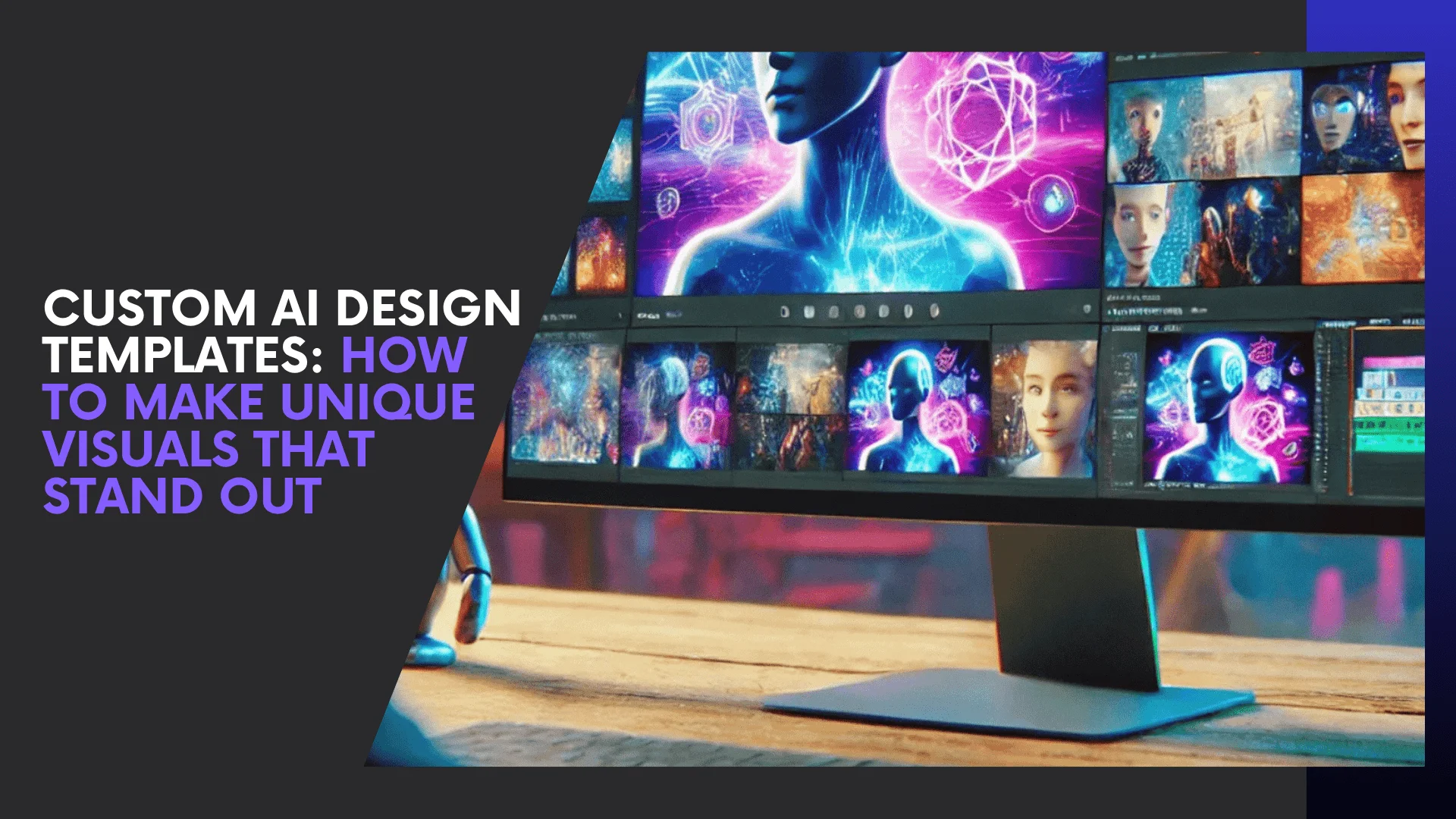
Design that looks generic disappears—attention is the new currency. Custom AI design templates let you turn prebuilt layouts into unmistakably branded visuals, faster than ever and without hiring a design team. I’ll show you how to use these AI-powered templates to create unique, on-brand imagery that gets noticed.
Visual content isn’t optional anymore—it’s dominant. Marketers are doubling down on visuals because they measurably boost reach, dwell time, and engagement; in fact, recent marketing research shows a big majority of marketers plan to maintain or increase investment in visual formats like infographics and video. And at the same time, generative AI adoption has surged across industries, giving teams new tools to automate creative work while keeping control of the final aesthetic.
Today’s leading platforms (Canva’s Magic Design, Adobe Express and others) already offer AI-driven templates that generate layout and palette suggestions you can tweak—so you get speed plus customization. In this guide I’ll walk you, step-by-step, through how to customize AI design templates for branding, practical AI design template customization tips, and the tool choices that make unique visual content with AI templates actually simple to deliver. Ready? Let’s make your visuals unmistakable.
What Are AI Design Templates? (Explained Simply)
AI design templates are smart, pre-made layouts enhanced by artificial intelligence to help you create professional designs in minutes. Unlike static templates, AI-powered ones adapt to your style—suggesting colors, fonts, and layouts based on your content.
Think of them as intelligent design assistants. When you upload your logo or brand colors, tools like Canva AI or Adobe Express automatically adjust every element to match your brand identity.
Trained on thousands of successful designs, these templates know what works—helping you design faster and more effectively.
Why they stand out:
- Personalized designs that match your style
- Quick creation in minutes
- Consistent branding across visuals
- Auto-resized layouts for any platform
In short, AI design templates blend automation with creativity—making it easy for anyone to produce stunning, on-brand visuals effortlessly.
Why Customization Matters in Visual Branding
AI speeds up design—but customization gives your visuals their true identity. Without it, your content can easily blend in with everything else online. That’s why customizing AI templates for branding is essential for businesses and creators in 2025.
Customization isn’t just about changing colors or fonts—it’s about infusing your brand’s personality, tone, and values so your audience instantly recognizes your work. For instance, a health brand might use calm greens and clean typography, while a gaming brand adds bold gradients and neon effects. The layout stays the same, but the feeling changes completely.
Benefits of Customizing AI Templates:
- Builds brand recognition and trust
- Creates a unique visual identity
- Speeds up future design workflows
- Boosts engagement through authentic visuals
Tools like Visme AI and Designify even let you save brand kits, automatically applying your logos and colors for consistent branding. In short, customization bridges the gap between AI automation and authentic creativity, turning your templates into powerful brand assets.
Step-by-Step Guide: How to Customize AI Design Templates
Creating unique visuals with AI doesn’t have to be complicated. By following these steps, you can transform prebuilt layouts into personalized, branded content that stands out. This section incorporates AI design template customization tips and ensures your visuals reflect your brand identity.
Step 1: Choose the Right AI Design Platform
Not all AI tools are created equal. When selecting a platform, look for features like:
- Prebuilt template libraries tailored to your industry
- AI suggestions for layouts, colors, and typography
- Easy import of logos, images, and brand assets
- Export options for multiple formats (social media, blog, video thumbnails)
Popular options include Canva AI, Adobe Creative Cloud Express, Visme AI, and Fotor AI. These tools combine automation with customization flexibility.
Step 2: Define Your Brand Style
Before editing templates, clarify your brand elements:
- Color palette: Stick to 2–4 primary colors and complementary shades
- Typography: Choose fonts that reflect your brand personality
- Tone and imagery: Decide if your visuals are playful, professional, minimalistic, or bold
Once your brand kit is defined, many AI platforms allow you to save it, automatically applying these choices across all templates for consistent branding.
Step 3: Personalize Template Elements
Here’s where your creativity meets AI:
- Swap stock images with branded photos or graphics
- Adjust icons, shapes, and illustrations to match your style
- Tweak layouts suggested by AI for better flow and emphasis
- Use AI design template customization tips like resizing elements proportionally and adding whitespace to improve readability
This step ensures your templates stop looking generic and start conveying your brand’s personality.
Step 4: Incorporate Your Brand Assets
Upload your:
- Logo and favicon
- Taglines or slogans
- Brand-specific icons or patterns
Some platforms allow AI to automatically integrate these assets, updating colors, contrast, and layout placement to match your visual identity.
Step 5: Optimize for Each Platform
A template that looks great on Instagram may not work for LinkedIn or a blog header. Adjust:
- Aspect ratios (square, vertical, or landscape)
- Text size and readability
- Image clarity and resolution
With AI tools, resizing and adjusting is often automatic, saving hours of manual effort while maintaining your design integrity.
By following these five steps, you can easily turn any AI template into a customized visual asset that’s unique, on-brand, and ready to engage your audience.
Tips to Create Unique Visual Content with AI Templates
Once you’ve customized the basics, there are several strategies to elevate your visuals further. These techniques help your content stand out, increase engagement, and reinforce your brand identity. Here’s how to create unique visual content with AI templates effectively:
1. Experiment with Layering and Textures
- Combine multiple elements like overlays, gradients, and textures to add depth.
- Subtle shadowing or blending can make AI-generated visuals feel handcrafted.
2. Leverage AI-Powered Color Suggestions
- Many AI platforms offer palette recommendations based on your uploaded images or brand kit.
- Test complementary and contrasting colors to draw attention to key elements.
3. Personalize Typography and Layouts
- Don’t stick to default fonts; mix headline and body text for emphasis.
- Adjust spacing, alignment, and hierarchy to guide viewer attention naturally.
4. Use Prompting to Guide AI Design
- Some tools allow text-based prompts (e.g., “make this design playful” or “add futuristic elements”).
- AI adapts layouts, graphics, and color schemes based on your instructions, giving you a semi-custom design with minimal effort.
5. Repurpose Templates Across Platforms
- Create one master design and adapt it for multiple channels: Instagram posts, YouTube thumbnails, blog headers, and newsletters.
- AI tools often automate resizing while keeping elements aligned and readable.
6. Test and Iterate
- Monitor engagement metrics such as clicks, shares, or time spent on visuals.
- Refine templates over time based on what resonates most with your audience.
These steps, combined with your AI design template customization tips, ensure that each visual piece feels distinctive and purpose-built, rather than generic.
Best Tools for Custom AI Design Templates
Choosing the right AI platform can make the difference between a generic design and a visually striking, on-brand asset. Here are some of the top tools for creating custom AI design templates:
1. Canva AI
- Features: Magic Design suggestions, brand kits, AI-generated layouts
- Best For: Social media graphics, presentations, marketing materials
- Why It Stands Out: Canva’s intuitive interface and extensive template library make it easy for beginners and pros to create unique visuals quickly.
Learn more about Canva AI
2. Adobe Creative Cloud Express
- Features: AI-enhanced templates, automatic resizing, smart color adjustments
- Best For: Marketing campaigns, website graphics, professional branding
- Why It Stands Out: Offers advanced AI tools integrated with Adobe’s design ecosystem, perfect for designers seeking a professional edge.
Explore Adobe Express
3. Visme AI
- Features: Interactive templates, brand kit integration, animation options
- Best For: Infographics, presentations, data-driven visuals
- Why It Stands Out: Strong focus on visual storytelling and data presentation makes Visme ideal for content marketers.
Discover Visme AI
4. Fotor AI
- Features: AI photo editing, automated design suggestions, image enhancement
- Best For: Social media posts, banners, online ads
- Why It Stands Out: Combines AI-powered editing with easy customization, allowing quick creation of professional-quality visuals.
Check out Fotor AI
5. Designify
- Features: AI background removal, smart templates, batch processing
- Best For: Product images, e-commerce visuals, digital ads
- Why It Stands Out: Great for e-commerce and marketing teams needing rapid, polished visuals with minimal manual editing.
Visit Designify
Pro Tip: Most of these platforms allow you to save brand kits and create template libraries. This means once you define your colors, fonts, and logo placement, all future visuals maintain a consistent, branded look without extra effort.

Common Mistakes to Avoid When Customizing AI Templates
Even with powerful AI tools, it’s easy to make design errors that reduce the impact of your visuals. Avoid these pitfalls to ensure your custom AI design templates remain unique and professional:
1. Overloading Designs with Elements
- Too many icons, graphics, or colors can clutter the design.
- Keep it clean and let your main message stand out.
2. Ignoring Brand Consistency
- Failing to maintain consistent colors, fonts, or logo placement weakens brand recognition.
- Use saved brand kits in AI tools to automatically apply your brand guidelines.
3. Relying Too Heavily on AI Suggestions
- AI suggestions are helpful, but blind reliance can make designs generic.
- Always tweak layouts, colors, and text to reflect your brand personality.
4. Skipping Platform Optimization
- A template perfect for Instagram may not work on LinkedIn or a blog header.
- Always adjust dimensions, text size, and readability for each platform.
5. Neglecting Testing and Feedback
- Visuals perform better when tested for engagement.
- Gather audience feedback and adjust templates to improve effectiveness.
By avoiding these mistakes, you’ll ensure your visuals stand out in crowded feeds and accurately reflect your brand identity.
The Future of AI-Driven Design Customization
The world of design is rapidly evolving, and AI is at the forefront of this transformation. In 2025, custom AI design templates are just the beginning—here’s what to expect in the near future:
1. Generative Design Assistants
AI tools will move beyond static suggestions to actively generate multiple design variations based on your content goals, brand voice, and audience preferences. You could input a single prompt and receive dozens of tailored templates instantly.
2. Adaptive Branding Templates
Future AI platforms will auto-adjust templates in real time based on audience engagement data. For instance, if a color or layout drives higher click-through rates, the AI will suggest similar styles for new designs.
3. Voice-Prompted Design Edits
Imagine speaking commands like “make this banner more playful” or “highlight my logo”—AI will interpret these cues and update templates dynamically. This makes customization faster, more intuitive, and accessible even to non-designers.
4. AI-Powered Cross-Platform Optimization
AI will automatically adapt your designs for multiple platforms, adjusting layouts, text sizes, and visual elements while keeping brand integrity intact. This ensures your visuals are optimized for every screen and format.
5. Integration with Marketing Analytics
AI-driven design tools will increasingly link with analytics dashboards. Designers and marketers can track which visuals resonate most and automatically tweak templates based on performance metrics.
In short, the future of AI design is about smarter, faster, and more personalized visuals. By mastering custom AI design templates today, you position yourself to leverage these advancements and consistently produce eye-catching, brand-aligned content.
Conclusion
Creating custom AI design templates is more than a trend—it’s a game-changer for producing unique, standout visuals. By blending AI’s speed and intelligence with thoughtful customization, you can maintain consistent branding, save time, experiment creatively, and engage your audience with polished, distinctive content.
The key is not to rely solely on AI but to infuse your brand’s personality into every design. Follow steps like choosing the right platform, defining your brand style, personalizing templates, and optimizing for specific platforms. Tools like Canva AI, Adobe Express, and Visme AI make experimentation easy, helping your visuals reflect your brand’s unique voice.
AI can create templates—but your customization is what makes them truly yours. Start transforming your visuals today and watch your content stand out.