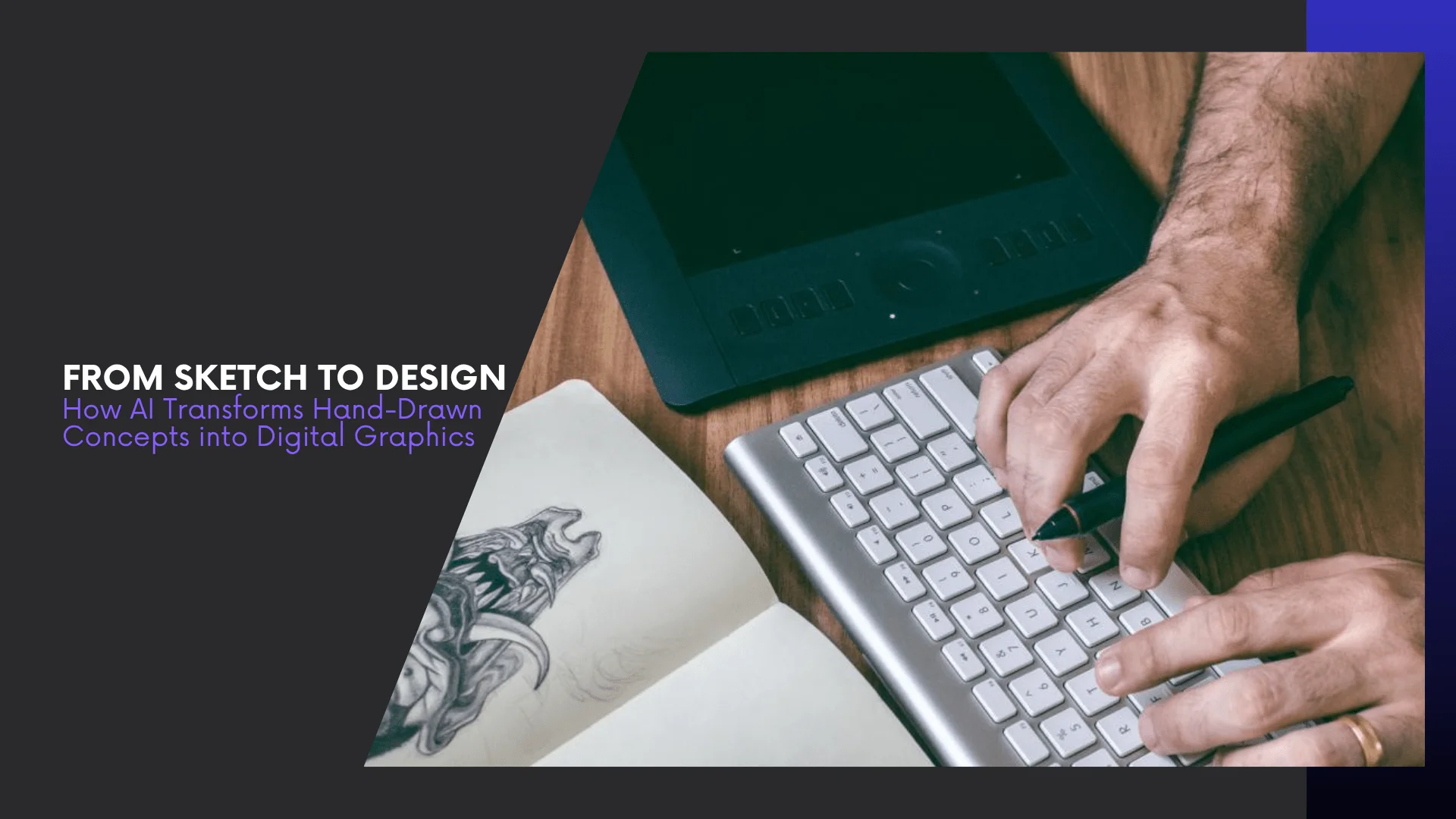
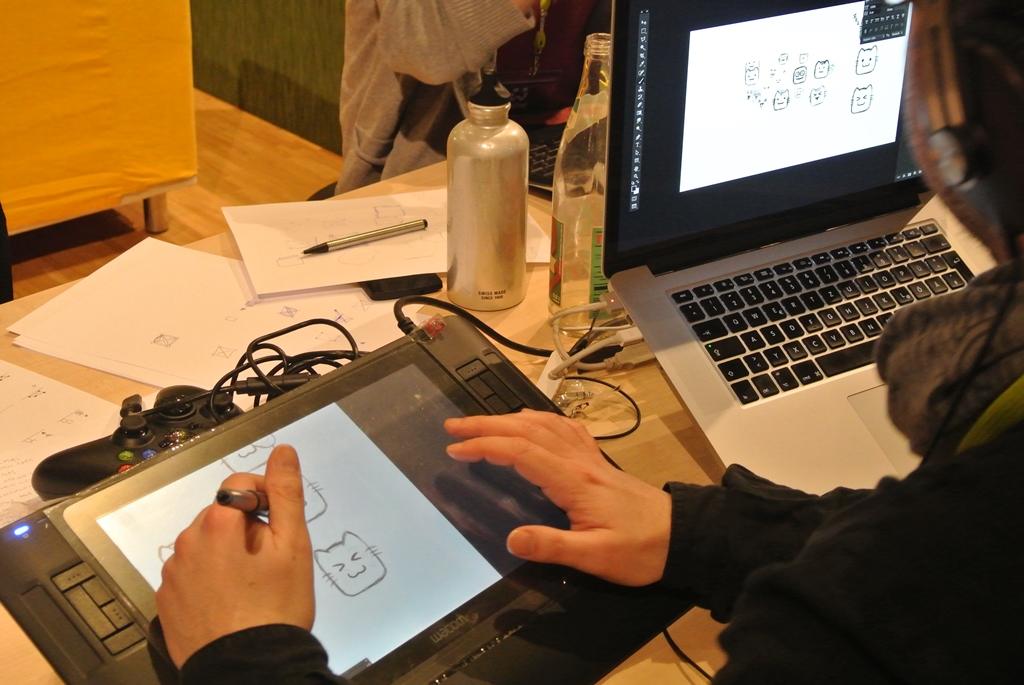
Turning a hand-drawn sketch into a polished digital design used to be a long, painstaking process. Designers had to scan their sketches, trace them in software, add colors and shading, and make endless tweaks. One small mistake could cost hours of work.
Now, AI is transforming that workflow. Tools like NewArc.ai and Canva’s Sketch to Life can take a simple sketch and instantly turn it into a refined digital image. These platforms use advanced machine learning to understand your sketch and bring it to life, making design faster, easier, and more accessible.
With AI, anyone can go from sketch to design in minutes—without needing advanced skills. It’s not just a time-saver; it’s a creative boost, helping designers experiment and iterate like never before.
In the sections ahead, we’ll explore how AI transforms hand-drawn concepts into digital art, the tools that make it possible, and why this shift is reshaping the future of design.
The Traditional Design Process vs. AI Workflow
Turning a simple sketch into polished digital art used to take hours—or even days. Today, AI tools make this process almost instant, letting anyone bring their ideas to life. Whether you’re a hobbyist or a professional artist, AI opens new possibilities for creating stunning visuals.
- Digitizing the Sketch – Designers had to scan or photograph their sketches.
- Tracing and Refining – Every line and shape needed manual tracing in design software.
- Adding Colors and Details – Coloring, shading, and textures were painstakingly applied.
- Final Tweaks – Adjustments for balance, proportion, and aesthetics could take hours.
This method required skill, patience, and often led to delays if mistakes were made.
How AI Changes Everything
AI simplifies and speeds up this entire workflow:
- Instant Conversion – Upload your sketch, and AI interprets it into a polished digital design.
- Smart Enhancements – Tools like Uizard can even turn sketches into wireframes or interactive prototypes.
- Creative Freedom – Designers can experiment without worrying about time-consuming corrections.
With AI-assisted digital art tools, the creative possibilities are virtually limitless. Even a simple sketch can become a professional-quality illustration in minutes, making the artistic process faster, more accessible, and incredibly fun.
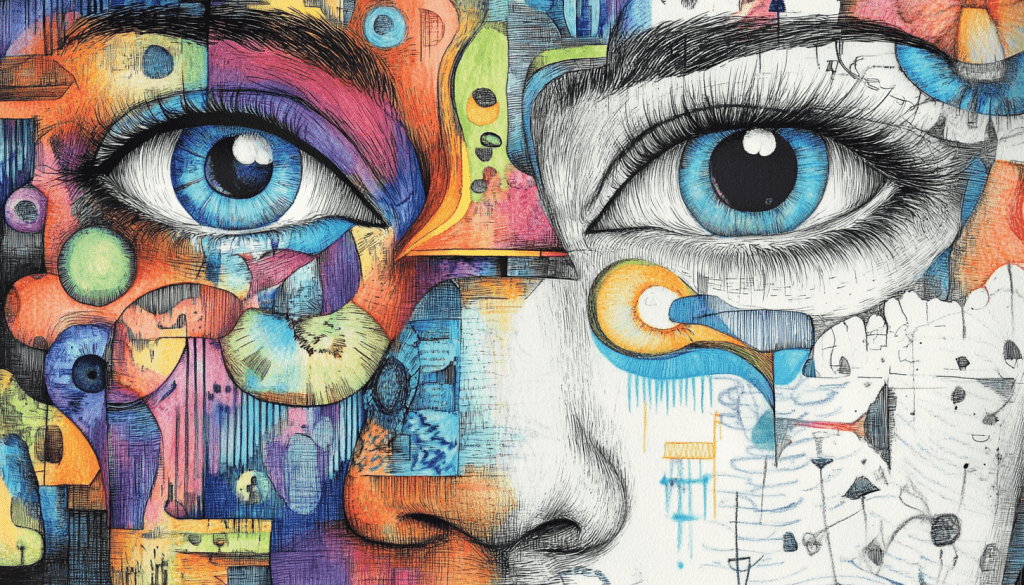
Transforming Sketches into Digital Art with AI
Turning a simple sketch into stunning digital art used to take hours—or even days. Today, AI tools make the process almost instant, letting anyone bring their ideas to life.
How the Process Works
- Upload Your Sketch – Start by scanning or photographing your hand-drawn concept.
- AI Interpretation – Advanced algorithms analyze your sketch, identifying shapes, lines, and intended forms.
- Digital Rendering – The AI generates a refined version, adding details, textures, and colors based on your input.
- Customization – Most tools allow fine-tuning, so you can adjust styles, colors, and effects to match your vision.
Popular AI Tools for Designers
- Canva’s Sketch to Life – Instantly converts rough sketches into detailed images.
- NewArc.ai – Offers realistic image and 3D render generation from sketches.
- Fotor AI Sketch – Focuses on artistic transformations, turning sketches into digital artwork.
Why It Matters
Using AI for sketch to design:
- Speeds up the creative process.
- Reduces human error in tracing or coloring.
- Makes professional-quality art accessible to everyone, not just experienced designers.
This combination of speed, accuracy, and creativity is why AI is redefining how we turn hand-drawn concepts into digital art.
From Sketch to Prototype: Bridging the Gap
AI doesn’t just stop at creating polished digital art—it can also turn your sketches into functional prototypes, bridging the gap between concept and real-world design. This is a game-changer for designers, product developers, and startups.
How AI Turns Sketches into Prototypes
- Scan or Upload Your Sketch – Start with your hand-drawn concept or wireframe.
- AI Analysis – The AI interprets layouts, buttons, and UI elements.
- Interactive Prototype – Tools generate clickable, interactive designs that can be tested immediately.
- Iterate Quickly – Designers can tweak elements in real time, speeding up user testing and iteration.
Top AI Tools for Prototyping
- Uizard – Converts hand-drawn wireframes into interactive UI prototypes.
- Visily – Generates ready-to-use digital prototypes from sketches.
- Figma + AI Plugins – Integrates AI features to streamline design-to-prototype workflows.
Why It’s a Game-Changer
Using AI to move from sketch to design and then to a prototype:
- Saves Time: Reduces days of manual work to minutes.
- Enhances Accuracy: Preserves the original concept while refining details.
- Boosts Creativity: Lets designers experiment without worrying about tedious technical work.
With these AI-powered workflows, what once took weeks can now be achieved in hours—making hand-drawn concepts into digital art faster and more efficient than ever.
Real-World Applications of AI in Design
AI isn’t just a tool for digital artists—it’s reshaping how multiple industries approach design, making the sketch to design process faster, smarter, and more creative.
Graphic Design
- Logo Creation: AI can convert rough sketches into professional logos in minutes.
- Marketing Materials: Flyers, social media graphics, and posters can be generated from simple concepts.
Fashion Design
- Clothing Prototypes: Designers can turn hand-drawn clothing sketches into digital designs, speeding up production.
- Pattern Exploration: AI helps experiment with textures, colors, and patterns without manually redrawing each variation.
Interior Design
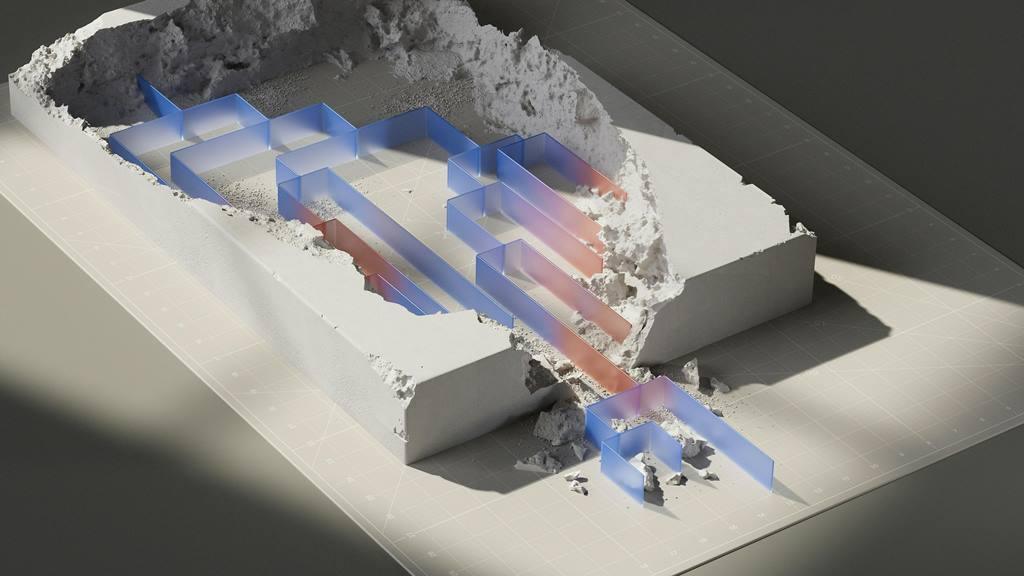
- Room Layouts: Sketches of floor plans can be transformed into realistic 3D visualizations.
- Decor Mockups: AI enables quick experimentation with furniture, colors, and textures before implementation.
Product Development
- UI/UX Design: Hand-drawn wireframes can become interactive prototypes instantly.
- Rapid Iteration: Teams can test ideas faster, making development more efficient.
By integrating AI into design workflows, professionals across industries can save time, reduce errors, and focus on creativity—turning hand-drawn concepts into digital graphics that are ready for real-world use.
Future Trends in AI and Design
The way AI is transforming sketch to design workflows is just the beginning. Emerging technologies promise even more powerful tools for designers, artists, and creators.
1. Real-Time Collaboration
- AI will enable designers to collaborate with machines in real-time, suggesting design improvements as they work.
- Teams can co-create projects faster, with AI acting as a smart assistant.
2. Predictive Design
- Future AI tools may predict the next steps in a design based on your sketch style and past preferences.
- This could drastically reduce iteration time and inspire new creative directions.
3. Enhanced Creative Freedom
- AI will continue to expand creative possibilities, allowing designers to experiment with styles, colors, and effects that would be too time-consuming manually.
- Even novices will be able to produce professional-level designs with minimal effort.
4. AI-Driven User Experiences
- Beyond visuals, AI may help design intuitive interfaces and user experiences by analyzing sketches and predicting user interactions.
- This integration of AI into UX design will streamline prototyping and improve end-user satisfaction.
The future of hand-drawn concepts into digital art is bright. AI isn’t replacing creativity—it’s amplifying it, making the design process faster, smarter, and more accessible than ever before.
Conclusion: Embracing AI in the Journey from Sketch to Design
The journey from hand-drawn sketches to polished digital graphics has been completely transformed by AI. What once required hours of manual work can now be achieved in minutes, without sacrificing creativity or quality.
By leveraging tools like Canva’s Sketch to Life, NewArc.ai, and Uizard, designers can effortlessly move from sketch to design, explore multiple iterations, and even create interactive prototypes—all while staying focused on the creative vision.
Why This Matters
- Speed: AI dramatically reduces the time needed to bring ideas to life.
- Accessibility: Anyone, regardless of skill level, can produce professional-quality designs.
- Creativity: AI frees designers to experiment, innovate, and push boundaries.
The future of design is collaborative—humans and AI working together to transform hand-drawn concepts into digital art that inspires, engages, and captivates audiences.
Whether you’re a professional designer, hobbyist, or entrepreneur, now is the perfect time to explore AI-powered tools and start turning your sketches into stunning digital designs.