

Google is making it simpler than ever to use its AI-powered search experience. The company announced that Google AI Mode in Chrome is now accessible through a new shortcut button placed conveniently below the search bar when users open a new tab.
Starting in the U.S. this week, the update will soon expand to over 180 new countries and additional languages — including Hindi, Indonesian, Japanese, Korean, and Portuguese.
This move reflects Google’s ongoing push to make Google AI Mode in Chrome more discoverable and widely used, especially as competition intensifies with AI search tools like Perplexity AI and OpenAI’s ChatGPT Search.
A One-Tap Shortcut for Smarter Search
Previously, users had to navigate through menus or the Google app to use Google AI Mode. Now, with this new dedicated shortcut, they can start an AI-powered conversation right from Chrome’s “New Tab” page.
The shortcut makes it faster to ask complex, follow-up questions — for example:
“Explain the difference between generative and predictive AI,” or
“Summarize the top news stories on climate policy this week.”
Google hopes this simple interface change will increase adoption and make Google AI Mode in Chrome the go-to destination for people seeking conversational, contextual answers directly inside Search.
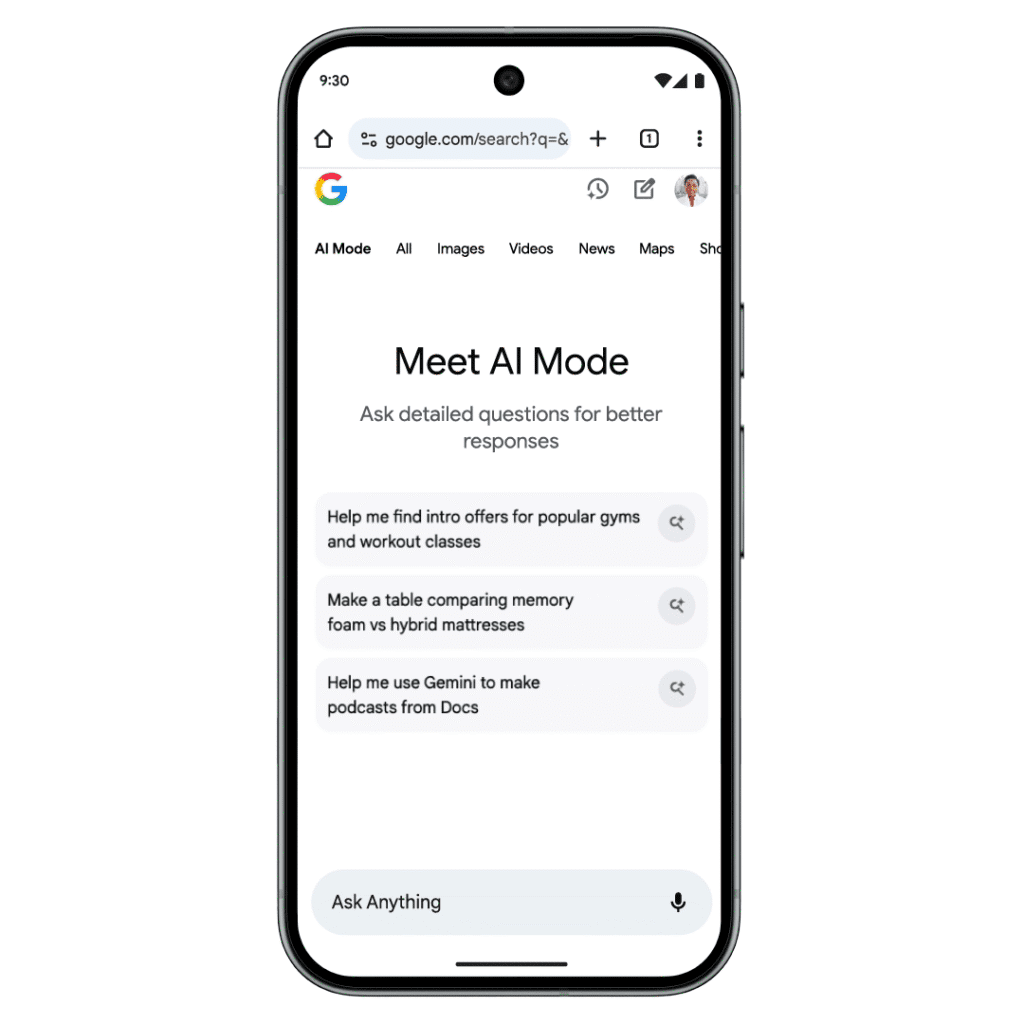
What’s New with Google AI Mode in Chrome
The update follows Google’s broader rollout of AI Mode to 180 countries, with expanded language support that brings the feature to users across Asia, South America, and Europe.
Over the past few months, Google AI Mode in Chrome has evolved beyond basic search assistance. The company recently introduced agentic capabilities, allowing users to book restaurant reservations, event tickets, and beauty appointments directly via AI-powered interactions.
Google’s long-term goal is to make AI Mode not just a Q&A assistant, but a proactive digital agent that helps users complete real-world tasks seamlessly.
More Ways to Use AI Mode
In addition to the new shortcut, Google has been adding other helpful tools to AI Mode in Chrome, including:
- Canvas Mode: Helps users organize notes, create study plans, and continue conversations across multiple sessions.
- Lens Integration: Lets users point their camera at an object or place on their screen and instantly ask contextual questions about it.
- Multilingual Support: AI Mode is now available in major languages such as Japanese, Korean, Hindi, and Brazilian Portuguese.
These updates are part of Google’s larger strategy to weave Gemini AI across all its products — from Chrome and Search to Android and Workspace.
Why It Matters
With the new shortcut, Google is removing friction for mobile users and positioning Google AI Mode in Chrome as a key differentiator in the competitive AI search market.
By making AI more accessible on the devices people use most, Google aims to shift users away from third-party tools and toward its own ecosystem — where features like Lens, Maps, and Gemini AI can work together seamlessly.

Don’t miss out on our latest news—follow us for the latest AI news, breakthroughs, and insights that matter.